
How to pay for a subscription using cryptocurrency
Four steps to complete your SpiicyBox payment 🔥
New to crypto? Start with a wallet or an exchange account. If you already have cryptocurrency, go straight to Step 3.
- Step 1
Download a crypto wallet
There are many wallet apps. This guide uses Trust Wallet as an example.
You can install it from the App Store, Google Play or as a browser extension.
Choose your platform below:



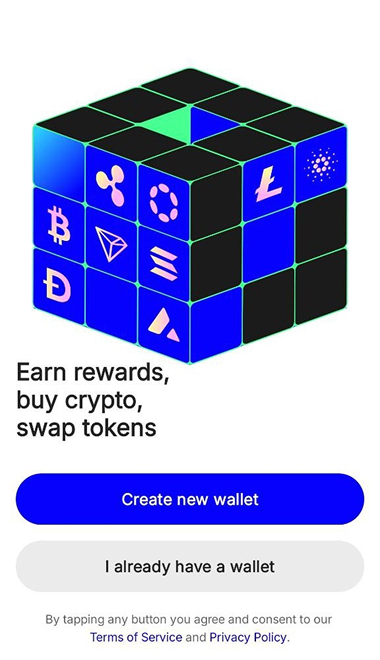
After installation, follow the app’s instructions to create a wallet.
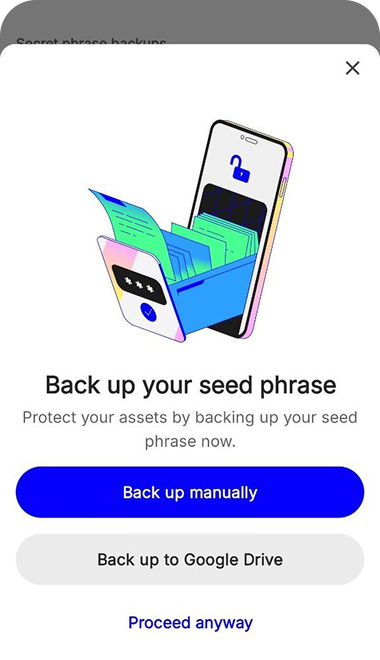
Important: Save your recovery phrase securely. Losing it can mean losing access to your funds. Never share it with support or enter it on this website.
- Step 2
Buy cryptocurrency in your wallet
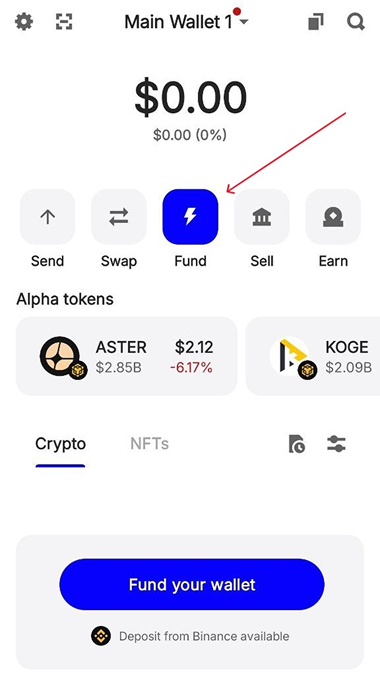
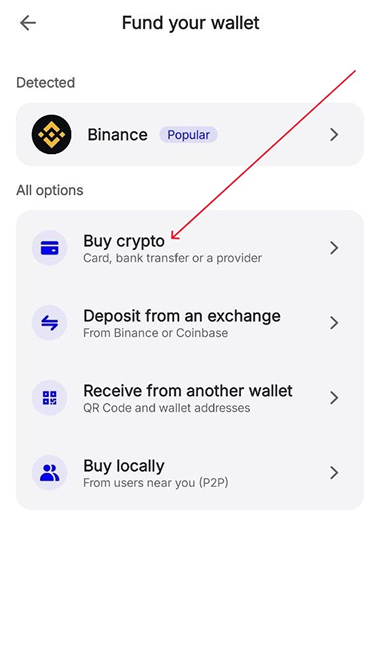
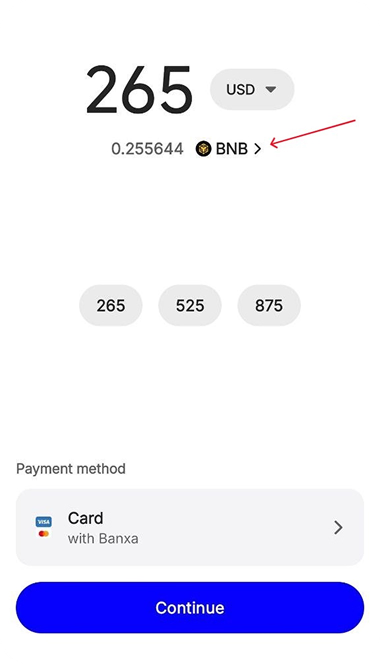
On the wallet’s main screen, select “Fund”, then “Buy Crypto”.
Choose the currency you want to pay with and the cryptocurrency you need. The illustrations use BNB as an example.
Availability, prices and identity checks depend on your location and purchase provider.
Choose the same coin and network that your payment invoice accepts. The example below uses BNB on BNB Smart Chain (BSC).
- Step 3
Place your order with cryptocurrency
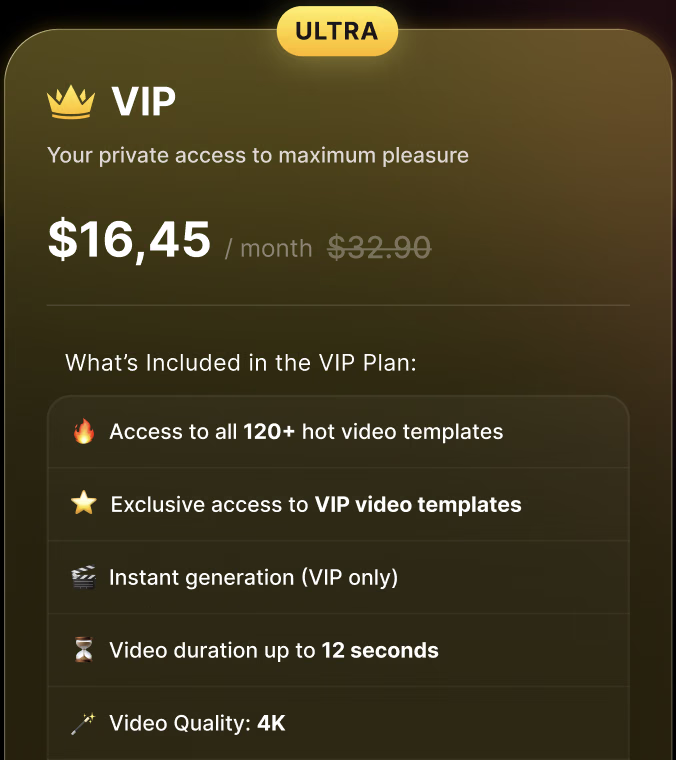
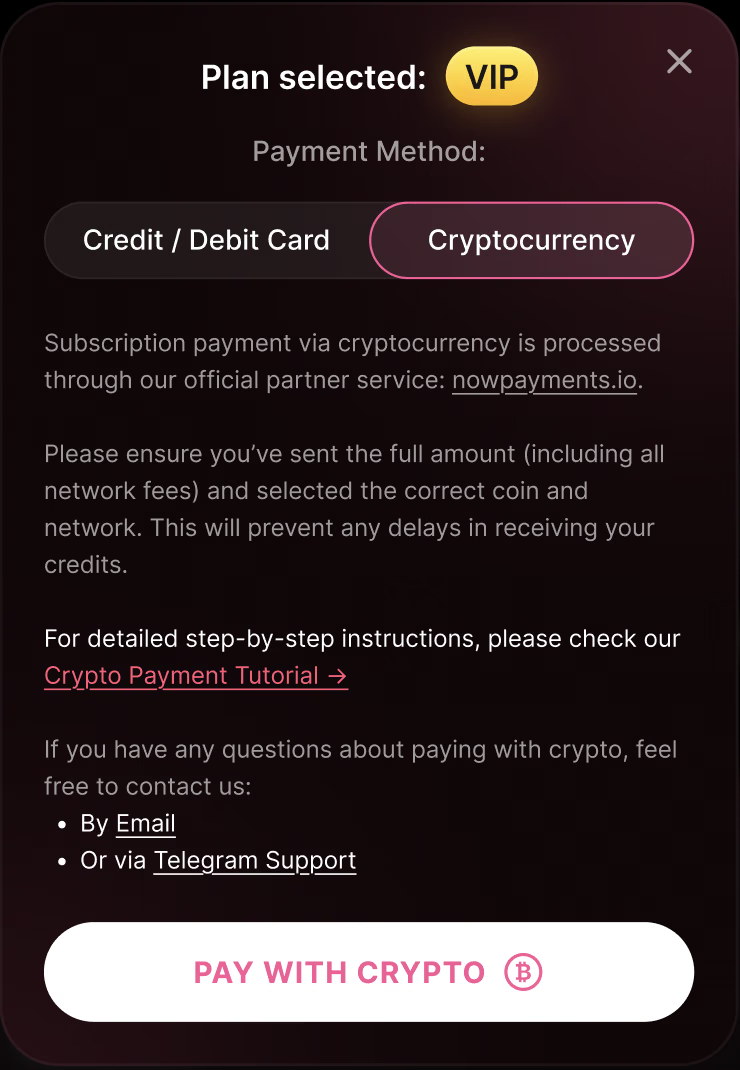
Open the subscription page, select your plan and choose “Pay with Crypto” when this payment method is available.
- Step 4
Complete the payment in your wallet
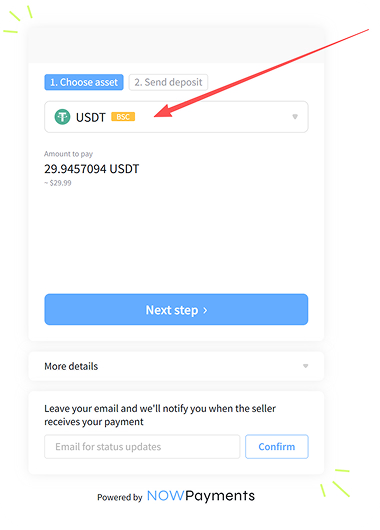
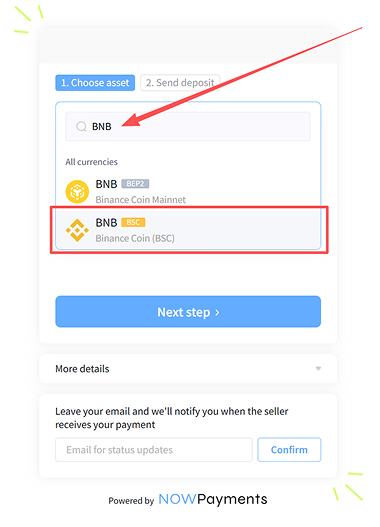
On the payment provider’s invoice, select the correct coin and network.
For the BNB example, both the wallet and invoice must use BNB on BNB Smart Chain (BSC).
Copy the exact payment amount and recipient address from your own invoice.
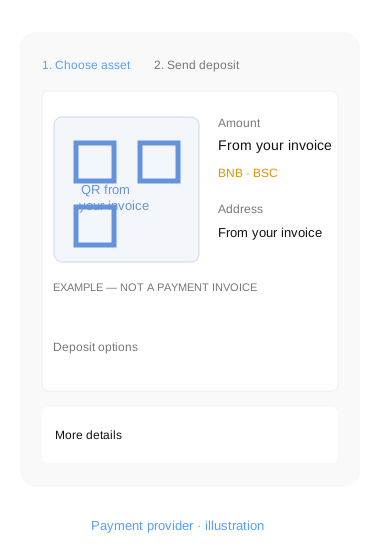
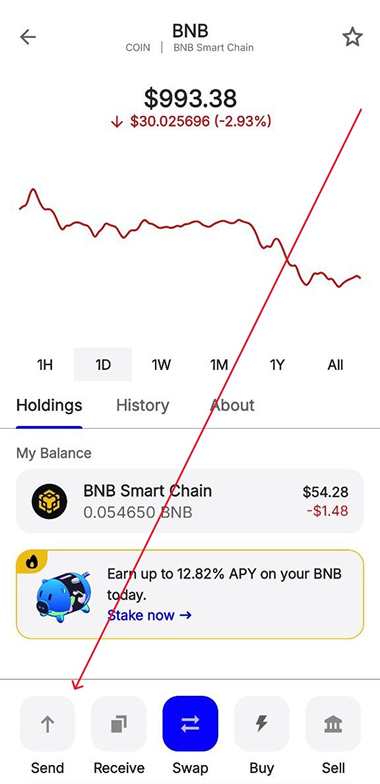
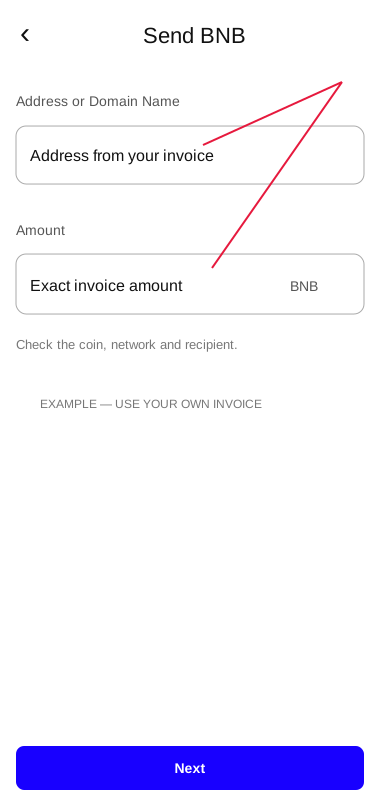
In your wallet, open the selected coin, tap “Send”, paste the invoice address, enter the exact amount and review the transaction.
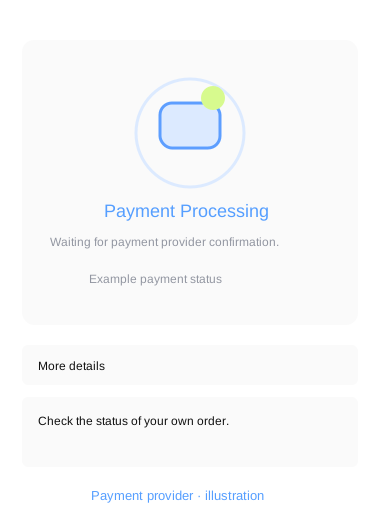
After sending, wait for the payment provider’s confirmation. Your SpiicyBox subscription is activated when the payment is confirmed. 🔥
Important tips:
- 1
Check the coin and network. They must match on the invoice and in your wallet. Sending a coin over a different network can prevent the payment from being received.
- 2
Check the amount and network fee. The recipient must receive the amount requested by the invoice. A smaller transfer may remain partially paid. Follow the provider’s instructions if this happens.
- 3
If you have a payment problem, contact our support with the order reference and transaction hash. Never share your recovery phrase.
Illustrations show example amounts and screens. Use the details in your own invoice.
Questions about crypto payment?
Contact our Telegram support for help with your payment.
Contact Support